
Snoika MCP server for SEO work in AI assistants
The Snoika MCP server gives your AI assistant direct access to our visibility data and content maps. Your team can ask which pages to publish next and request those pages in the same chat. You don't need to export a spreadsheet first. For a team that already plans its work in Claude, this SEO MCP saves the step of copying data out of one tool and into another. Access comes through a call with our team: we cover your category, buyers and goals, then turn the server on for your account.
- Visibility data
- Content maps
- Page creation
Trusted by

























Snoika MCP for SEO work
The Snoika MCP server connects Claude to the content map we build for your site. Ask Claude which pages your site needs, and it reads that answer straight from our research. The Snoika MCP server and the Snoika API are both live.
Visibility data
Your assistant can see how AI platforms mention and cite your brand.
Content maps
Claude can read the researched list of pages your site is missing.
Page creation
Your assistant can start a content workflow when you ask it to.
API access
You can pull the same data into BI dashboards and automate recurring reports.
What the server actually does
The server lets an assistant read Snoika data and ask Snoika to do work, all in a normal chat. It uses the Model Context Protocol (MCP), which Anthropic released in November 2024 as an open standard for connecting AI systems to outside tools and data.
The whole workflow runs in the cloud. You type a question. The assistant sends a request to our server, which queries the platform where your tracking and content map already live. A structured answer comes back. Your laptop doesn't run the analysis, and nobody passes a CSV file around.
Read requests
A read request fetches data and changes nothing. For example, ask for this week's citations or the pages still open in your content map.
Action requests
An action request starts a piece of work, such as a page draft. Every page requires a person's approval in the dashboard before it goes live.
Supported AI clients
Today the server works with Claude and ChatGPT. Cursor works too, which suits teams that write and edit their pages next to the code.
Each client shows tool calls in its own way. Claude and ChatGPT fit analysts who work in conversation, and Cursor fits developers who manage templates.
Visibility data for assistants
You can ask your assistant for mentions and citations. Share of voice and competitor gaps are available through the assistant too. The data comes from our tracking in ChatGPT and Google AI Overviews, which is where most AI search traffic happens. We run the tracking against weekly prompt sets, so you can compare one week with the next on the same questions.
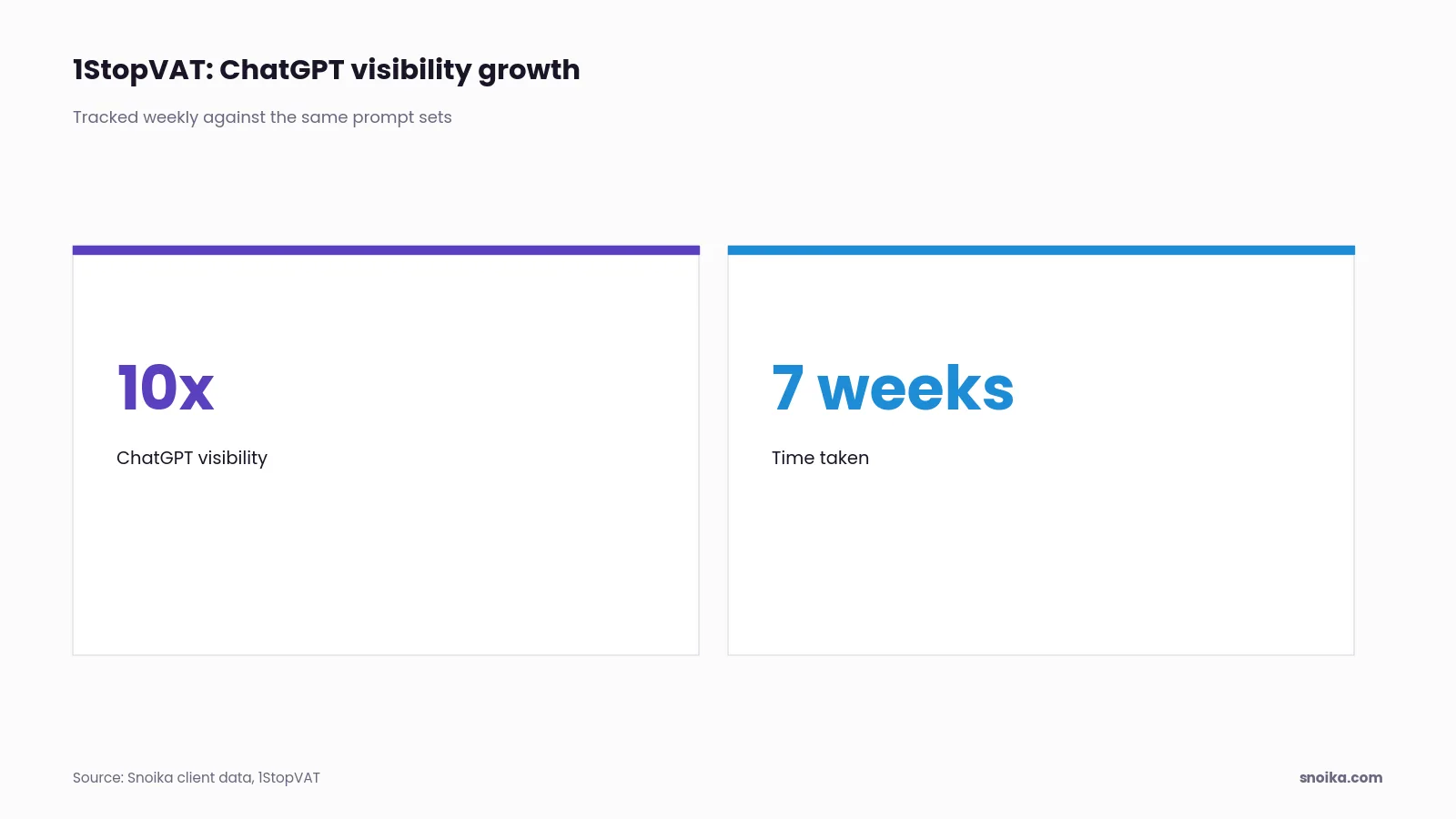
Week-over-week figures show whether the work is paying off. 1StopVAT, in tax and fintech, saw 10x growth in ChatGPT visibility in 7 weeks. Because the questions stay the same from week to week, a jump in share of voice reflects a real change.
Page creation from chat
You can request pages from your content map without leaving the assistant.
Pick the gap
Ask the assistant which open items in your content map matter most, then choose one.
Request the page
The assistant starts the workflow. This works for blog posts and every other page type, in any of 135+ languages and regional variants.
Review the draft
Our team checks the draft, and then you approve or edit it in the dashboard.
Publish on your domain
Once you approve it, the page goes live on your own domain through a DNS connection. It works on any CMS with your existing setup intact.
MCP vs manual exports
MCP removes the export step between asking a question and getting the answer. Manual exports still work for a quarterly deck. But the data in them is already old when someone pastes it into a chat.
| Task | Manual exports | Snoika MCP |
|---|---|---|
| Weekly citation check | Download, clean, paste | Ask in chat |
| Find content gaps | Compare sheets by hand | Read the map directly |
| Start a page | Write a brief, email it | Request from chat |
Exports still make sense when you need a fixed snapshot for an audit trail. For daily questions, live data in the assistant answers faster.
Snoika vs other SEO MCPs
For an SEO team that works in Claude, the right MCP server is one that can both read data and act on it. Alternative tools and services separate data access from action.
Monitoring-only tool
It reports visibility, but someone still has to plan and write the pages.
Keyword-data MCP
It returns search volumes and gives no view of AI assistants.
Agency
It does the work, but you only see the results in monthly reports.
In-house team
It owns the work end to end, but the tracking and publishing setup falls on your team too.
The same Snoika team runs both the platform and the services. A human review layer sits on top of the automated workflows.
Security of your data
You decide how much access you give us. The free AI visibility audit needs no access to any of your systems. Once an engagement starts, we ask for access to Google Analytics 4 and Google Search Console. We also request access to Google Tag Manager. With that access, we can tie AI visibility to the traffic you already measure.
Contentful's MCP guide advises least-privilege access and human approval for high-risk actions. Our server follows that approach: your assistant can read data and request work, and a person approves every page in the dashboard before it goes live.
FAQ
The Snoika MCP server reads the researched content map we build for your site. Your assistant can list the open items in that map, so you can choose which gap to close before requesting a page.
Our team arranges access after a call. On that call we cover your category, buyers and goals, then turn the server on for your account.
An SEO team gets the most from a server that can both read data and start work. The Snoika MCP server reads AI visibility data and content maps, and it can request page drafts, with human approval before anything is published.
Your assistant sends a request to our server, which queries the platform and returns a structured answer. Read requests leave data unchanged, while action requests can start work such as a page draft.
No. Every page requires a person's approval in the dashboard before it goes live, and our team checks each draft before it reaches you.