How to run the audit
If you've run Lighthouse before, the mechanics of lighthouse agentic browsing are familiar and the only new part is the category itself. You need Lighthouse 13.3 or later, where the category ships in the default configuration.
From Chrome DevTools, the steps are short:
-
Open DevTools and check the "Agentic Browsing" category in the Lighthouse tab settings.
-
Run the audit on the page you want to test and read the pass/fail panel that appears.
WebMCP detection needs one extra step on older Chrome builds. If you're on Chrome 130 to 149, enable chrome://flags/#enable-webmcp-testing and relaunch. On Chrome 150 and later the category appears without that flag.
For a command-line run, point the Lighthouse npm package at your URL with the agentic-browsing category. Whichever path you pick, fold this into the scheduled Lighthouse run you already maintain. The category is one more box to check, and the report lands beside your existing performance and accessibility data.
How to read the results
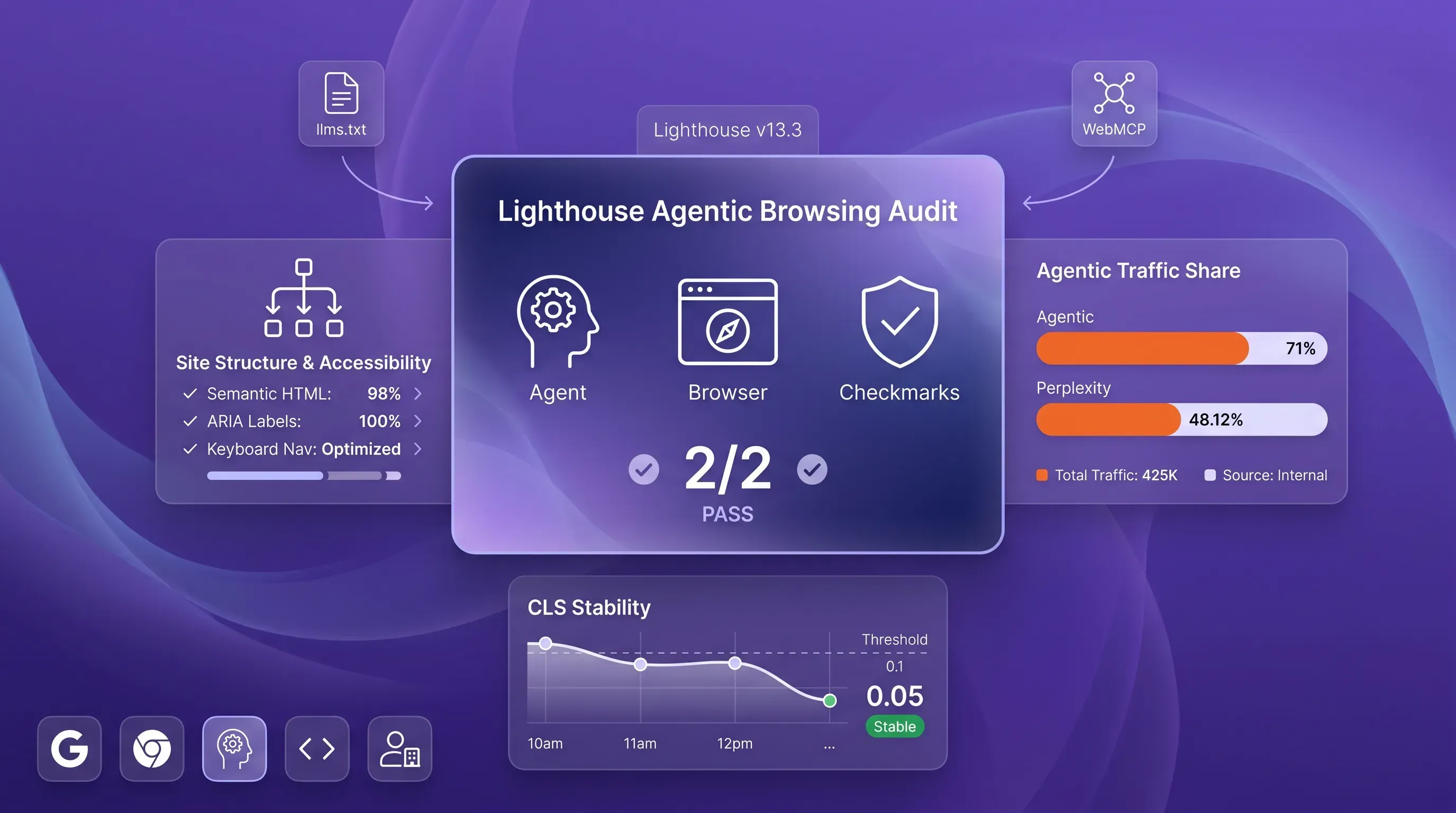
This is where the audit trips people up. The 0-100 Performance score gives way here to pass-ratio coverage. The lighthouse agentic browsing header shows a ratio of how many readiness checks your site passes, with per-audit pass or fail marks and warnings; informational counts appear beside them.
So a small movement in that fractional ratio is not comparable to gaining Performance points. Going from 2/4 to 3/4 means you cleared one more check. If you wire this into a dashboard, treat the number as check coverage and set alerts from individual check changes.
Results also fluctuate between runs, and the reasons are worth knowing before you chase a phantom regression:
-
WebMCP tools register at different moments in the page lifecycle, so a tool that loads late can read as absent on a fast run.
-
The accessibility tree shape depends on what rendered, so dynamic content changes the nodes Lighthouse sees.
-
Layout shift during the synthetic run varies, and lab CLS measurements can come in lower than what a real user experiences.
If you own monitoring, the practical move is to track which checks pass over time. A flapping CLS audit is noise from the test environment far more often than it's a real defect you introduced.
Which fixes matter most
Don't chase every check. The lighthouse agentic browsing category rewards durable structure, and the work sorts cleanly into tiers, so you can decide what to do Monday morning instead of treating all four signals as equal.
Start with the accessibility tree and CLS. These deliver the most value now because they help humans and agents at the same time, and they build on work you've already started. A button that gets a programmatic name becomes usable by a screen reader and an agent in the same commit. Cutting layout shift below 0.1 improves your Core Web Vitals and stops agents from misclicking. This is the same engineering you'd do for users who never touch an AI tool.
Here is a sensible default order of attack:
-
Fix accessibility tree problems first, since they overlap with accessibility work and serve the largest share of real autonomous browsing agent traffic.
-
Bring CLS under control next, because layout stability protects both human reading and agent action.
-
Add llms.txt as a quick, low-effort pass because it's a readiness file for machine discovery.
-
Treat WebMCP as a deliberate, quarter-scale investment once the standard stabilizes and your product has flows worth exposing as tools.
The framing that keeps this sane is to see it as ordinary engineering. A usable, machine-navigable web is the same foundation as a usable human one, which means none of this is a separate compliance project bolted onto your real work. It is your real work, scored against a new audience.
Building for the agent-ready web
Pull the four checks together and the message is consistent. A site built for agents is a site built well, and the audit simply made an existing principle measurable. Clean names and valid roles, backed by stable layout and an honest summary of what your site does, are things careful teams were already shipping.
The standards are still emerging. WebMCP is an early preview, and the category itself is under development while llms.txt still has no confirmed consumer. So the goal right now is durable structure that can survive spec changes next quarter.
Fold lighthouse agentic browsing into the Lighthouse cadence you already run, with fixes for the accessibility and stability signals that help everyone; revisit WebMCP as it matures into something production-ready.