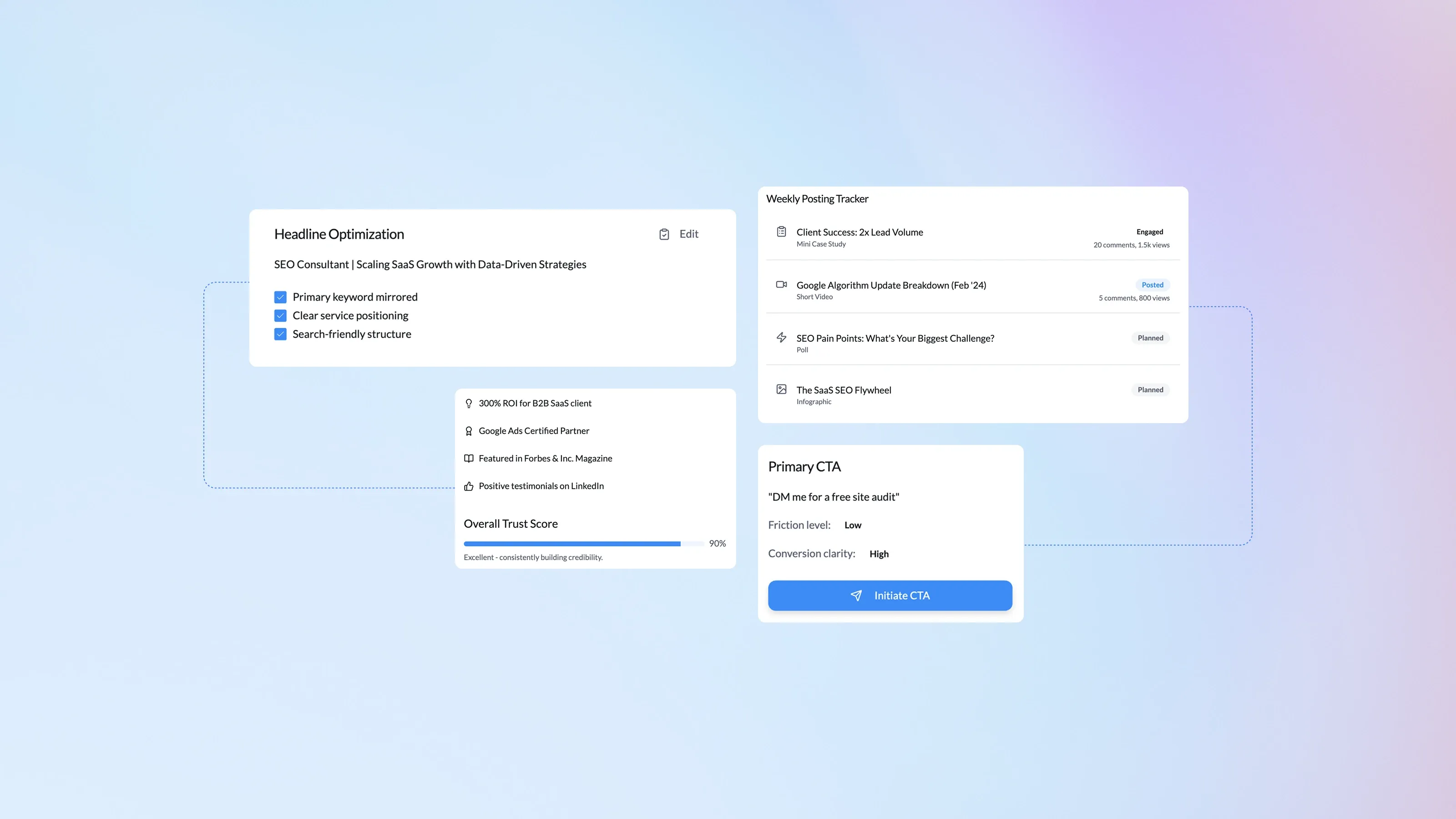
Freelance SEO dashboard showing LinkedIn lead engine and Upwork SEO performance with profile optimization, proposal alignment, and client acquisition metrics

SEO Optimization for Freelancers: How to Get More Clients

Freelance work is booming, yet standing out in search can feel impossible. Clients scroll quickly, and 75 % of them never go past page one. Effective small business SEO tactics let solo pros rise above the noise, win clicks, and turn visits into signed contracts.

Content authorJevgenia Pogadajeva, MBA, MScPublished onReading time9 min read

Overview

This guide is for freelancers who want to get found, get clients, and work smarter without overcomplicating things. It shows you how to rank your own site so it appears on Google and AI search tools, how to turn LinkedIn and Upwork into steady sources of SEO clients, and how to use simple, affordable tools to stay efficient.

You’ll see real examples, practical checklists you can actually use, and a ready-to-copy featured snippet to help you boost visibility faster.

Build a Search-Friendly Freelance Website

Your website is the only digital property you fully control, which makes it one of your strongest long-term assets. Instead of just existing online, it should actively attract the right clients and help you earn stronger rankings.

Here’s how to use it to attract better clients and stronger rankings:

  • Pick a fast, mobile-first theme. 60 % of searches happen on phones, so speed adds ranking power.

  • Structure pages around client pain points, for example “e-commerce technical SEO” or “B2B SaaS blog writing.”

  • Include location cues even if you serve clients worldwide: city in footer, local schema, and a Google Business Profile.

For a streamlined, AI-powered approach that optimizes your entire site and portfolio, explore Search Optimization Freelancers Trust to Get Clients—Not Just Clicks.

Clarify Your Service Pages

Start each service page with a clear H1: “B2B Content Writer in Austin.” Follow it with a short introduction that highlights the core benefit for the reader.

From there, build the page with:

  • 3-4 sub-sections answering common questions.

  • A mini portfolio with project screenshots.

  • A FAQ block using the same format you see later in this article, which helps you win rich snippets.

Conclude with an enticing but respectful contact form offering a free 15-minute call.

Creating laser-focused pages lets Google match you with intent-driven searches and improves conversion in one stroke.

Case Study: From 0 to 30 Warm Leads a Month

Freelance designer Maya built separate pages for “Webflow site refresh,” “Shopify redesign,” and “Logo packages.” Within four months, organic traffic rose by 240 %. She now averages 30 qualified inquiries monthly, a direct effect of precise page targeting and speed optimizations.

When your website is both fast and specific, you satisfy search engines and impatient visitors, leading smoothly into the next client-acquisition channel.

Rank Locally to Capture High-Intent Searches

Even remote clients search locally. 46 % of all Google queries carry local intent, and 78 % of mobile local searches lead to an offline purchase within 24 hours. That urgency can send premium projects your way and is exactly why your local signals matter.

Here’s what to do next:

  • Claim and verify Google Business Profile. Post weekly updates and showcase finished projects.

  • Collect reviews immediately after a successful delivery. A simple, personal email doubles response rate.

  • Embed a map and NAP (name, address, phone) on every page footer.

Hyper-local signals raise your authority, improve Calls section visibility, and feed into AI products that blend map and organic data. Local optimization is the bridge to social platforms where clients lurk.

Turn LinkedIn into a Lead Engine

LinkedIn SEO lead engine dashboard showing profile headline optimization, trust signals, weekly content tracking, and a low-friction call to action for inbound leads

Your LinkedIn profile ranks on Google, and potential clients often check it before hiring. Optimizing it is a quick win.

Optimize Your Headline and About Section

Start with a short summary paragraph that clearly mirrors your primary keyword and service. This helps search engines understand your focus and reassures visitors they’re in the right place. For example:

“Technical SEO consultant helping Shopify stores boost organic revenue.”

Once that positioning is clear, reinforce it with a few trust-building elements:

  • Add proof: results, certifications, or press mentions.

  • Use bullet points for clarity.

  • End with a low-friction contact line, “DM me for a free site audit.”

This simple structure helps you stand out, build confidence, and invite conversations without feeling salesy.

Post Content that Answers Client Questions

A 72 % majority of small businesses rate content marketing their most effective tactic.

Apply that insight on LinkedIn:

  • Weekly carousel or post with a mini case study.

  • Short video breakdown of a Google update and what it means for e-commerce owners.

  • Polls that ask about SEO pain points, then reply with personalized insights.

Sustained posting keeps you top of mind, attracts followers, and positions you as the obvious hire.

LinkedIn acts as your reputation hub, but what about marketplaces where clients actively search for SEO talent? That is where Upwork enters.

Upwork: Proposal SEO That Gets Picked

Upwork is competitive, but it still rewards freelancers who understand how search works. Start by mirroring the exact job title keywords in your proposal headline, since Upwork’s internal search prioritizes close matches. In your opening lines, focus on the client’s main problem and immediately connect it to a clear outcome, such as increasing revenue by 30 percent within six months. Then briefly outline how you would approach the work with a simple mini-roadmap, which shows clarity, confidence, and makes your proposal easy to trust.

Profile Tweaks That Matter

Small changes to your profile can have an outsized impact on how often you appear in searches and how credible you look to potential clients. Instead of treating your profile as a static bio, think of it as a searchable landing page designed to convert.

Focus on a few high-leverage improvements:

  • Specialized profile pages for each service.

  • 100-character keywords section with phrases clients type, e.g., “small business SEO audit, local schema, technical crawl.”

  • A portfolio item for each major skill, including measurable results.

When these elements work together, your profile becomes easier to find, easier to trust, and easier for the right clients to say yes to.

Case Study: Ranking First for “SEO Audit”

Content strategist Luis rewrote his Upwork profile to target “SEO audit for SaaS.” He mirrored that phrase inside two portfolio items and tagged it in skills. Within eight weeks, he appeared first in Upwork search for the query and closed projects worth $18 k.

If you’re ready to optimize your work-from-anywhere strategy, the Freelancer’s Guide to SEO Optimization: How to Compete with Agencies offers hands-on tips for specializing, pricing, and using the right software toolkit.

Smart keyword alignment on platforms you do not own still pays dividends. Upwork success, however, depends on the tools you bring to the table.

Must-Have SEO Tools for Solo Pros

Freelancers often have to do more with less, especially in the early stages. Tight budgets make it essential to choose tools that deliver real insight without unnecessary overhead. These reliable tools keep costs low and insights high:

  • Google Search Console should be your foundation. It’s completely free and gives you direct insight into how your site performs in search, including queries, impressions, indexing issues, and technical errors that need attention.

  • Ahrefs Webmaster Tools offers a limited but valuable look at backlinks and keyword visibility. For freelancers, it’s often enough to spot link gaps, monitor competitors, and identify quick opportunities without paying for a full subscription.

  • Screaming Frog Lite is ideal for technical checks. Scanning up to 500 URLs lets you catch broken links, missing metadata, duplicate content, and crawl issues before they become ranking problems.

  • Snoika helps you prepare for where search is heading next. It tracks brand visibility inside AI-generated answers on platforms like ChatGPT and Perplexity, making it especially useful for freelancers who want to appear in emerging search environments, not just traditional SERPs.

  • Buffer or Publer simplify LinkedIn scheduling, helping you stay consistent without spending hours on manual posting.

For best results, pair your workflows with AI-powered content audits and optimization insights using platforms such as Snoika’s SEO Analyzer.

Workflow Example

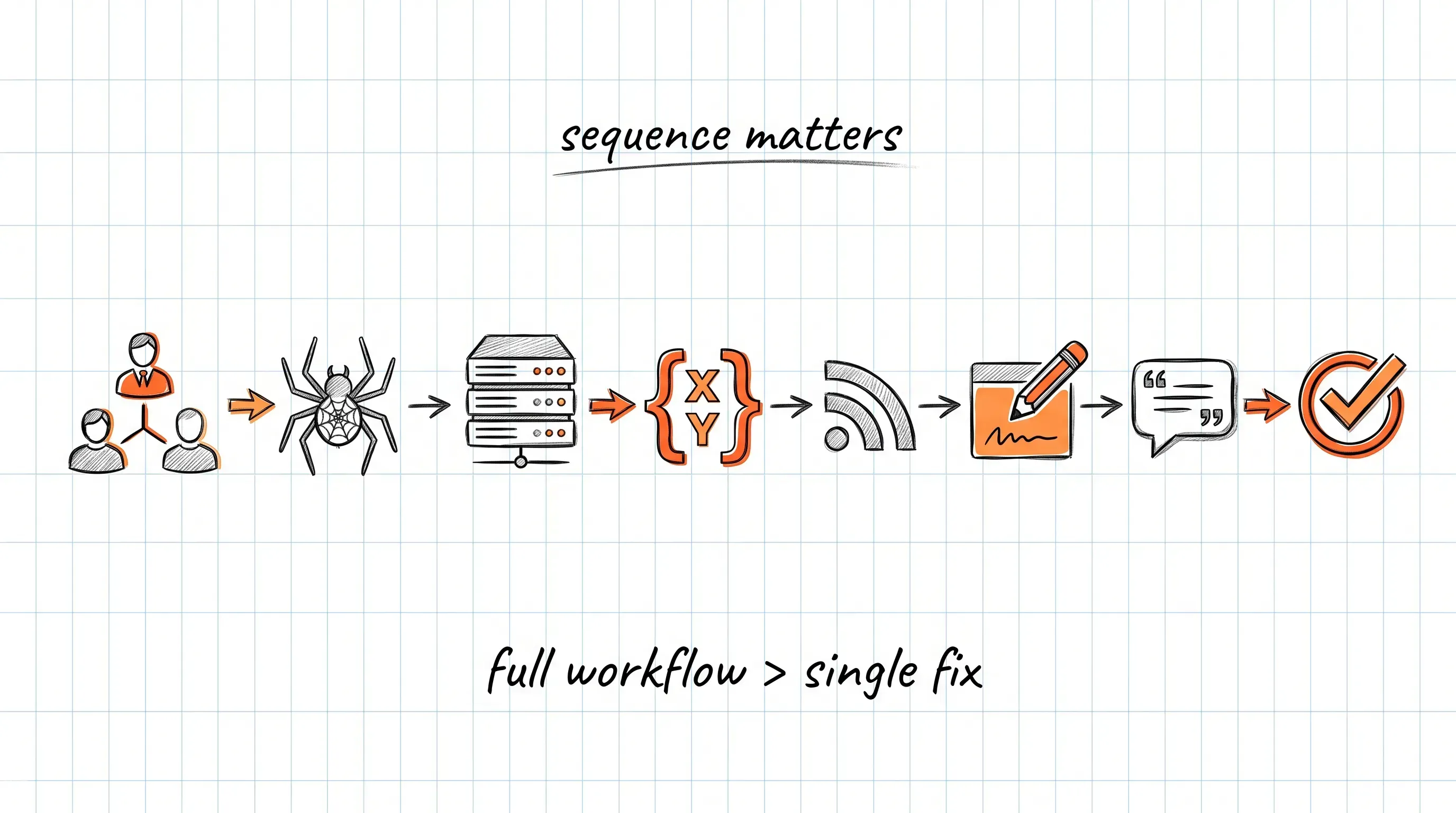
Having the right tools matters, but real progress comes from using them in a repeatable, low-effort workflow. This simple process helps you spot issues, uncover opportunities, and turn insights into visible content without overcomplicating things.

Here’s what that looks like in practice:

  • Run a quarterly Google Search Console export.

  • Crawl the site with Screaming Frog to uncover errors.

  • Feed findings into Ahrefs or Snoika for content ideas and authority gaps.

  • Batch schedule LinkedIn posts that address those gaps.

For additional tips on maintaining an edge with new AI-driven search trends, see 10 SEO Best Practices for 2025: How to Rank Higher on Google, which covers topical authority, zero-click SEO, and optimizing content for both Google and AI models.

This lean stack covers keyword research, technical fixes, and content amplification without draining your budget.

Checklist: Attract More Freelance Clients with SEO

Freelancers are more likely to win steady, high-quality projects when they consistently do the following:

  • Build fast, service-specific website pages with clear calls to action.

  • Strengthen local cues through Google Business Profile and reviews.

  • Optimize LinkedIn headlines, “About” text, and weekly posts around core keywords.

  • Match Upwork profile terms and proposal headlines to client search phrases.

  • Use lightweight tools like Google Search Console, Ahrefs Webmaster Tools, and Snoika to monitor performance and discover new opportunities.

None of these steps are complicated on their own, but together they create consistent visibility and a steady flow of inbound projects.

Conclusion

Freelancers who treat their own brand like a client project rise above referrals and feast-or-famine cycles. A search-friendly site, local signals, optimized LinkedIn and Upwork profiles, plus a lean toolkit combine to attract the right clients at the right time. Want more inspiration? Check out The Best Marketing Tool Success for your Business to see how smart automation and strategy fuel steady growth. Put these strategies in motion and watch qualified leads roll in while you focus on delivering stellar work.

Yes, because you control your site fully and search engines favor owned content. It is your proof hub and can rank for high-intent keywords that LinkedIn cannot capture.

Most freelancers notice movement in 3-4 months. Consistent content and technical cleanup often deliver measurable ranking gains within six months and an average 400 % ROI within two years.

Marketplaces are great for quick gigs but you compete on price. Owning ranked assets builds authority and lets you command higher rates without platform fees.

You can start effectively with free tiers. Expect to invest around $50-$100 monthly once you need deeper keyword or backlink data.

es. AI-powered search tools still rely on strong, well-structured content as their source material. Freelancers who publish clear service pages, FAQs, and proof-backed content are more likely to be cited in AI-generated answers, giving them early visibility in new search experiences as well as traditional results.

Schedule a Meeting

Book a time that works best for you

You Might Also Like

Discover more insights and articles

A customer acquisition dashboard visualizing CAC to LTV ratio, retention trends, spend versus customers, and budget control rules for data-driven growth optimization

How to Reduce CAC with Smarter Performance Marketing

Customer acquisition costs are climbing fast. If you do nothing, every new customer will eat a larger slice of your budget. The good news: thoughtful performance marketing can rein that spending in and keep growth on track.

In this guide, you will learn exactly what CAC is, why it often spirals, and the practical moves that bring it back down.

An AI-powered marketing dashboard visualizes campaign structure, conversion performance, and account health score to optimize digital advertising efficiency

Facebook & Instagram Ads: Best Practices for 2026

Social media advertising keeps getting pricier and more crowded, yet the brands that refine structure, creative, and targeting continue to scale profitably. What will separate winners and also-ran campaigns in 2025?

A marketing analytics dashboard showing ad schedule performance heatmap, revenue and CPA trends, task completion status, and reporting checklist insights

Google Ads Optimization Checklist for Better ROI

Google Ads can be a revenue machine or a money pit. The difference lies in how you tune each lever, from campaign structure to copy. Use this checklist to cut waste, raise conversion rates, and prove that every dollar spent pulls its weight.

A2025 survey showsbusinesses already earn$2 for every $1invested in Google Ads. With tight optimization, that return can be much higher for you.

An AI-driven marketing analytics dashboard showing automated KPI alerts and channel performance metrics across paid search, social, email, and SEO

The Role of Data in Modern Performance Marketing

Data is now the fuel of performance campaigns. Marketers who ignore it waste budget, while those who embrace it watch revenue climb. So how do you turn raw numbers into smarter ads, higher conversion rates, and happier customers?

Below is a clear, practical road map.